
3D Model Renderer
Convert your 3D models (GLB, OBJ, STL, FBX, and more) into stunning PNG images with professional rendering. AI-enhanced visuals, realistic lighting, and high-resolution output.
Supports 81 formats
Try one of these:













What is a 3d model render?
Rendering is the process of creating a 2D image (in this case, a PNG) from a 3D model. Think of it like taking a digital photograph of your model, with proper lighting and shadows. This tool supports 77 different types of 3D models—just upload your file to begin.
How to convert a 3D model into a PNG











Upload your model
Upload your 3D model in any of the 77 supported formats.
Select Render Mode
Select either “as-is render” (fast) or “AI render” (customized).
Customize
Edit the background color, lighting, and environment as needed. Click “Render” to generate your image.
Stunning renders without spending a week on lighting and look dev
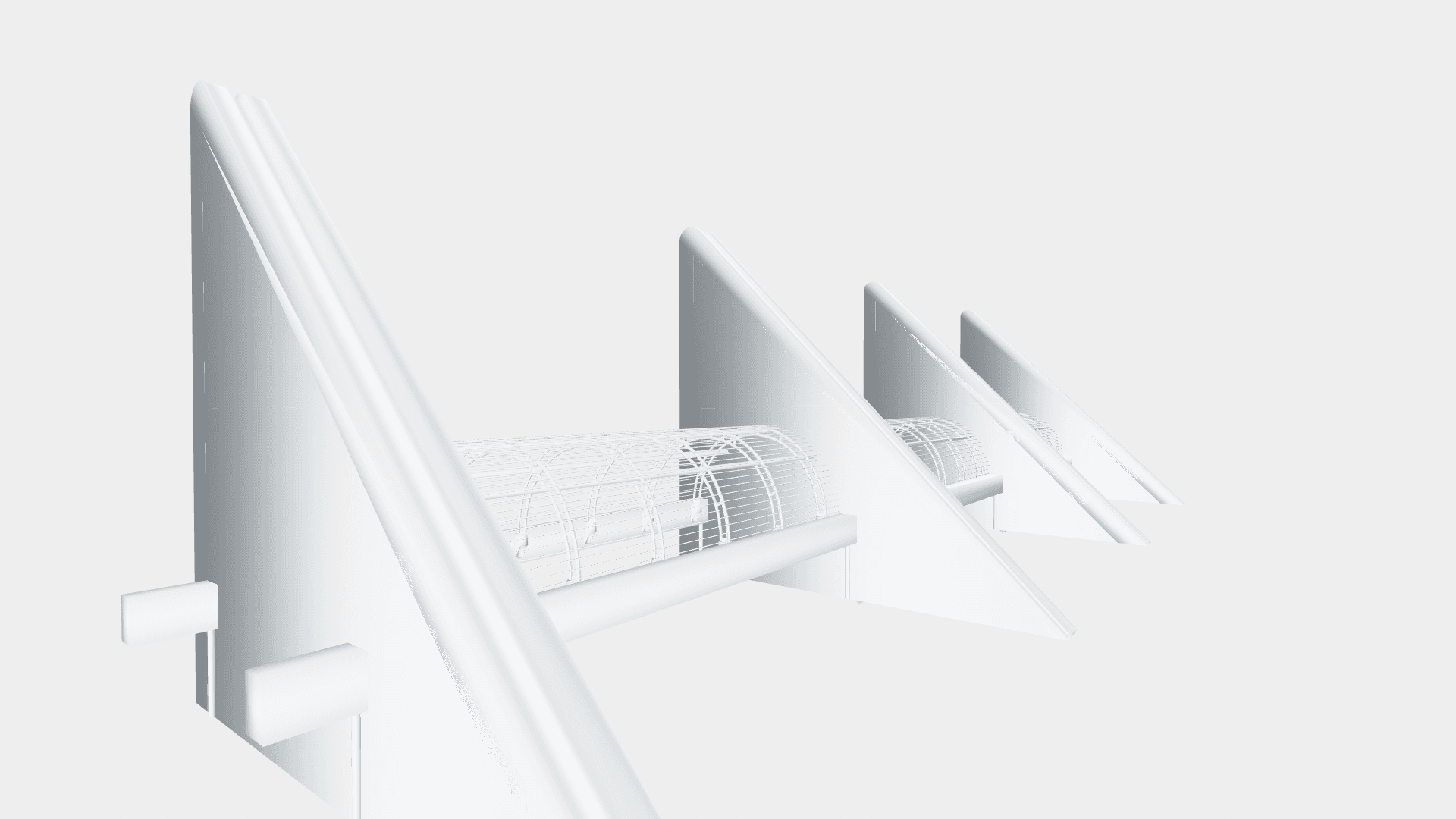
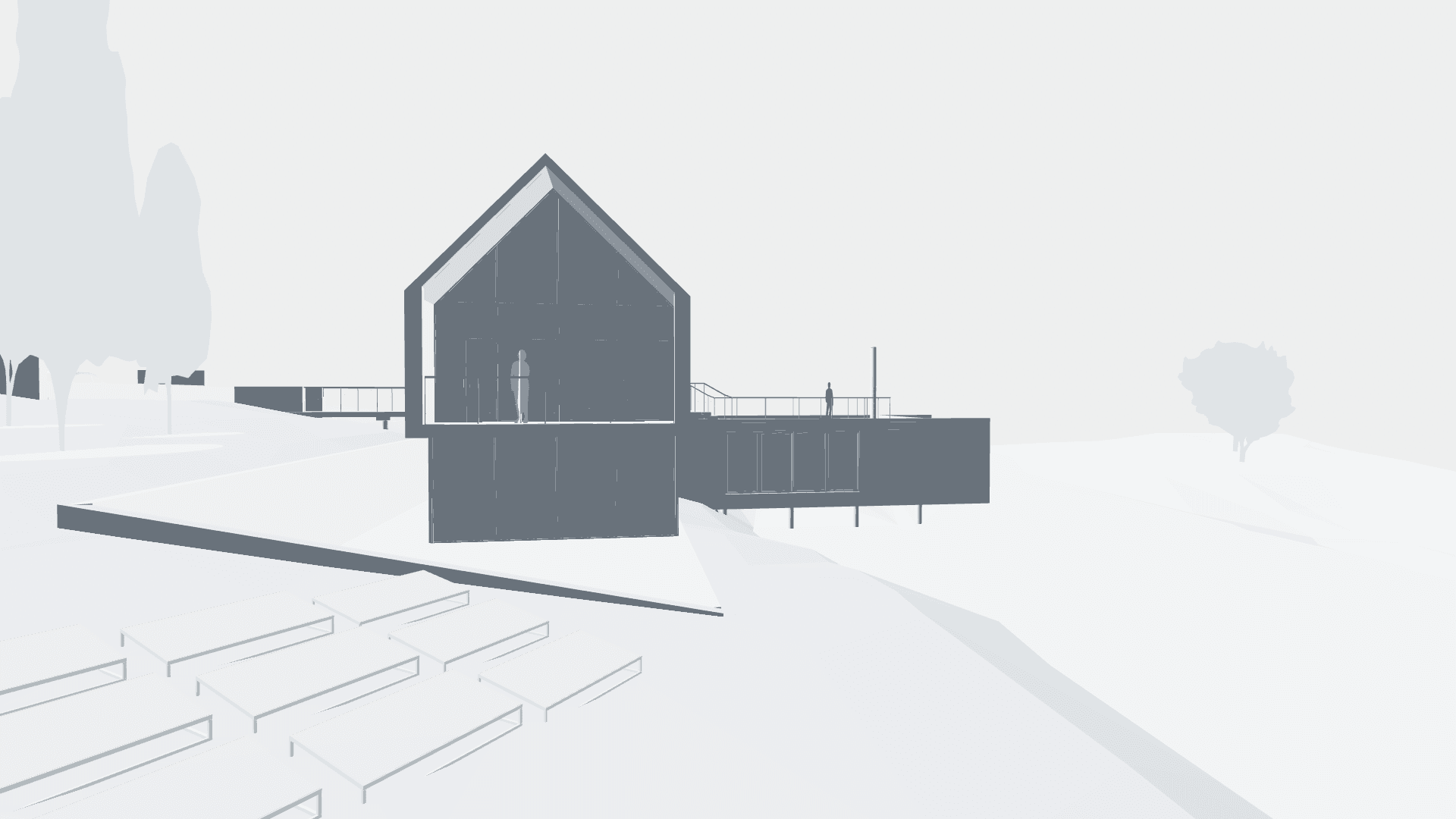
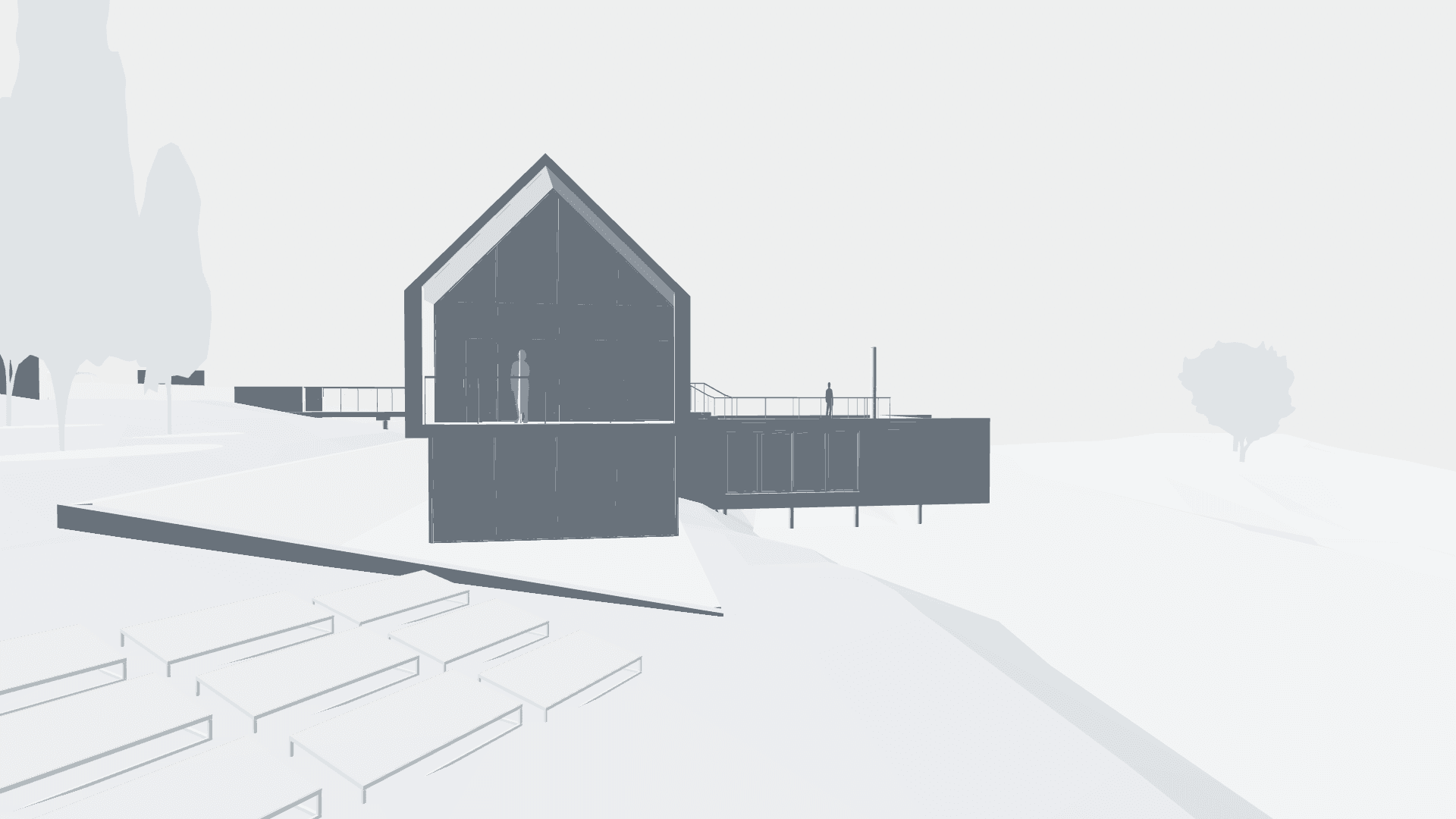
Architectural Visualization
Visualize your architectural designs in real-world environments with stunning realism.
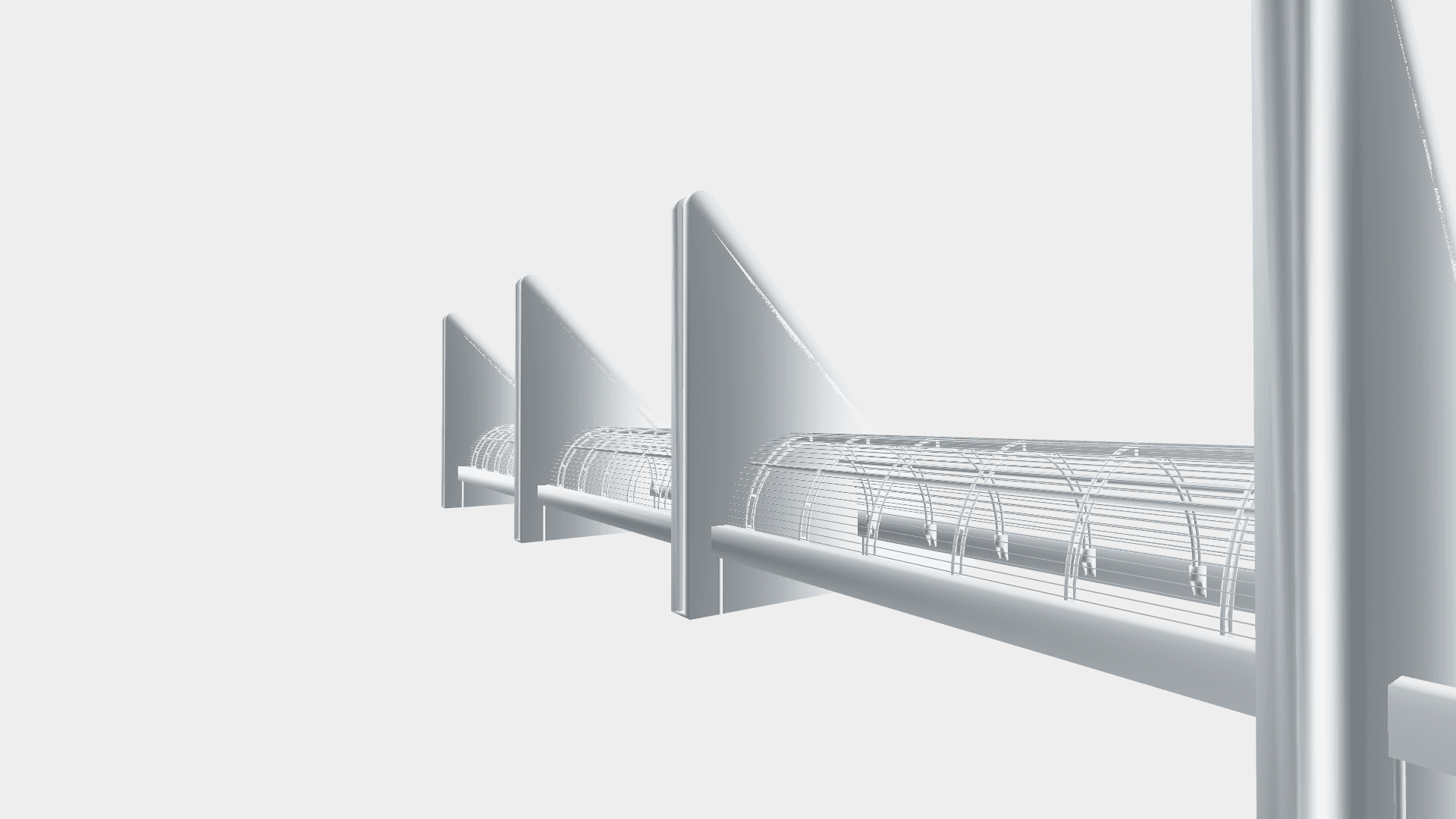
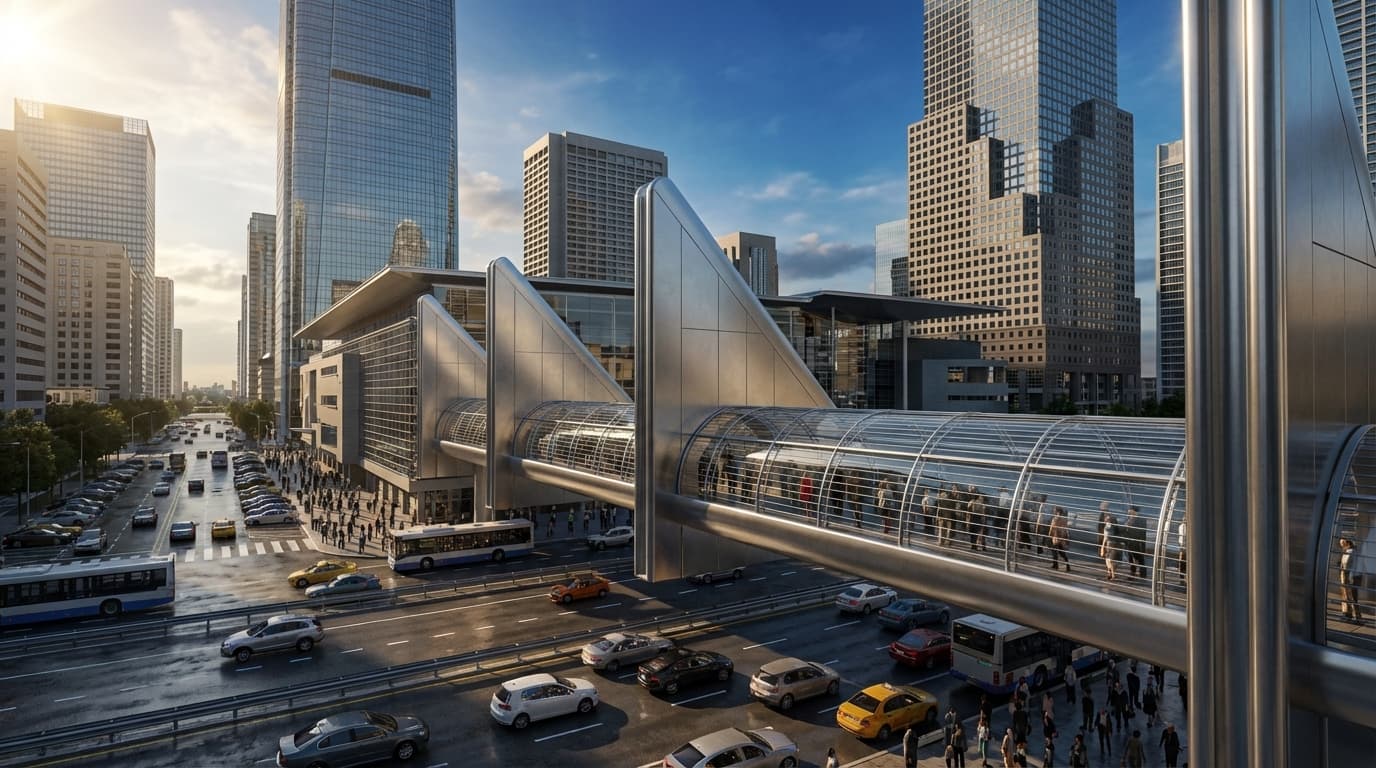
Sleek Industrial Design
Showcase your product designs with professional studio lighting and clean backgrounds.

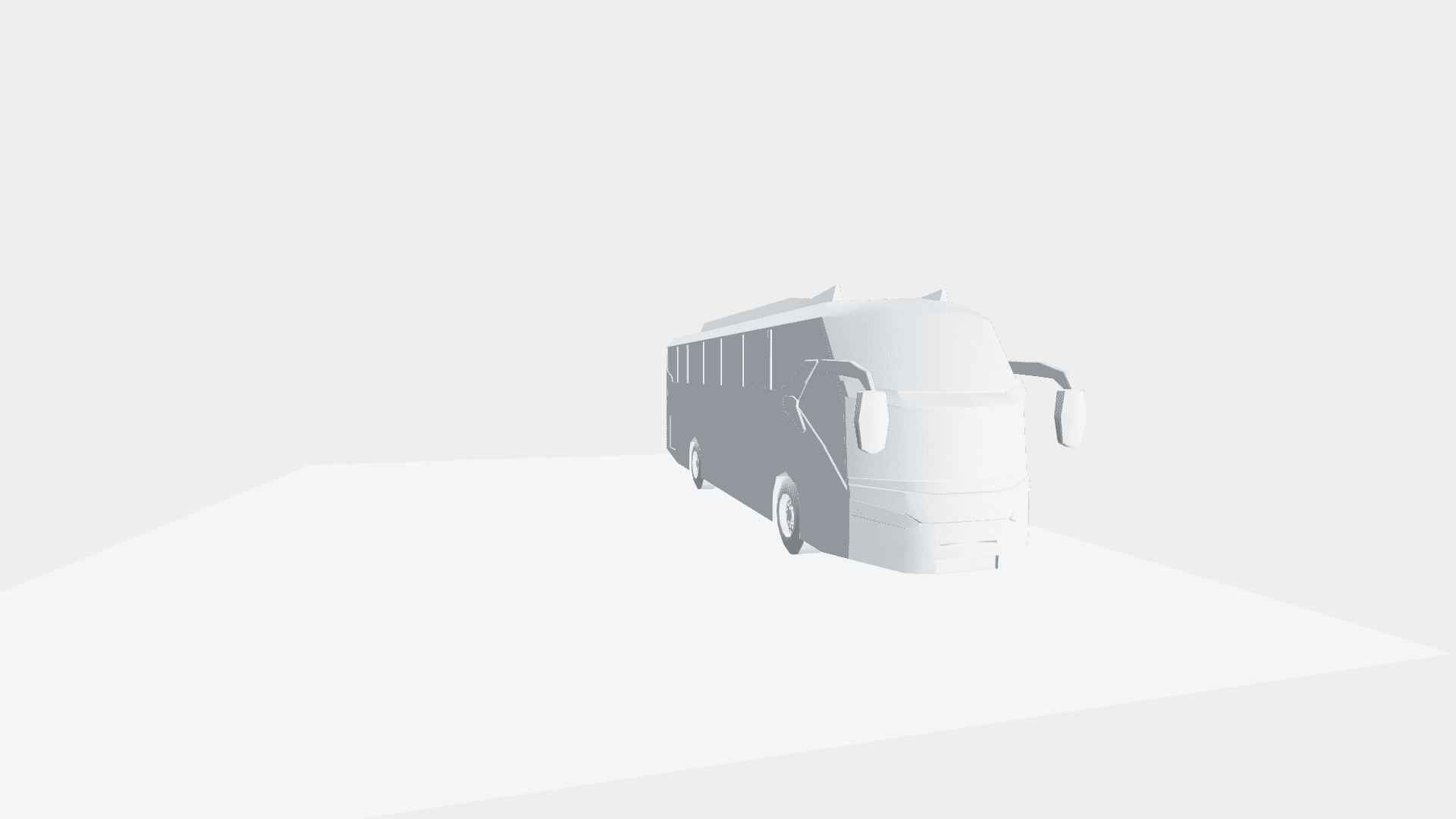
Automotive Precision
Render complex vehicle models with accurate reflections and environmental integration.

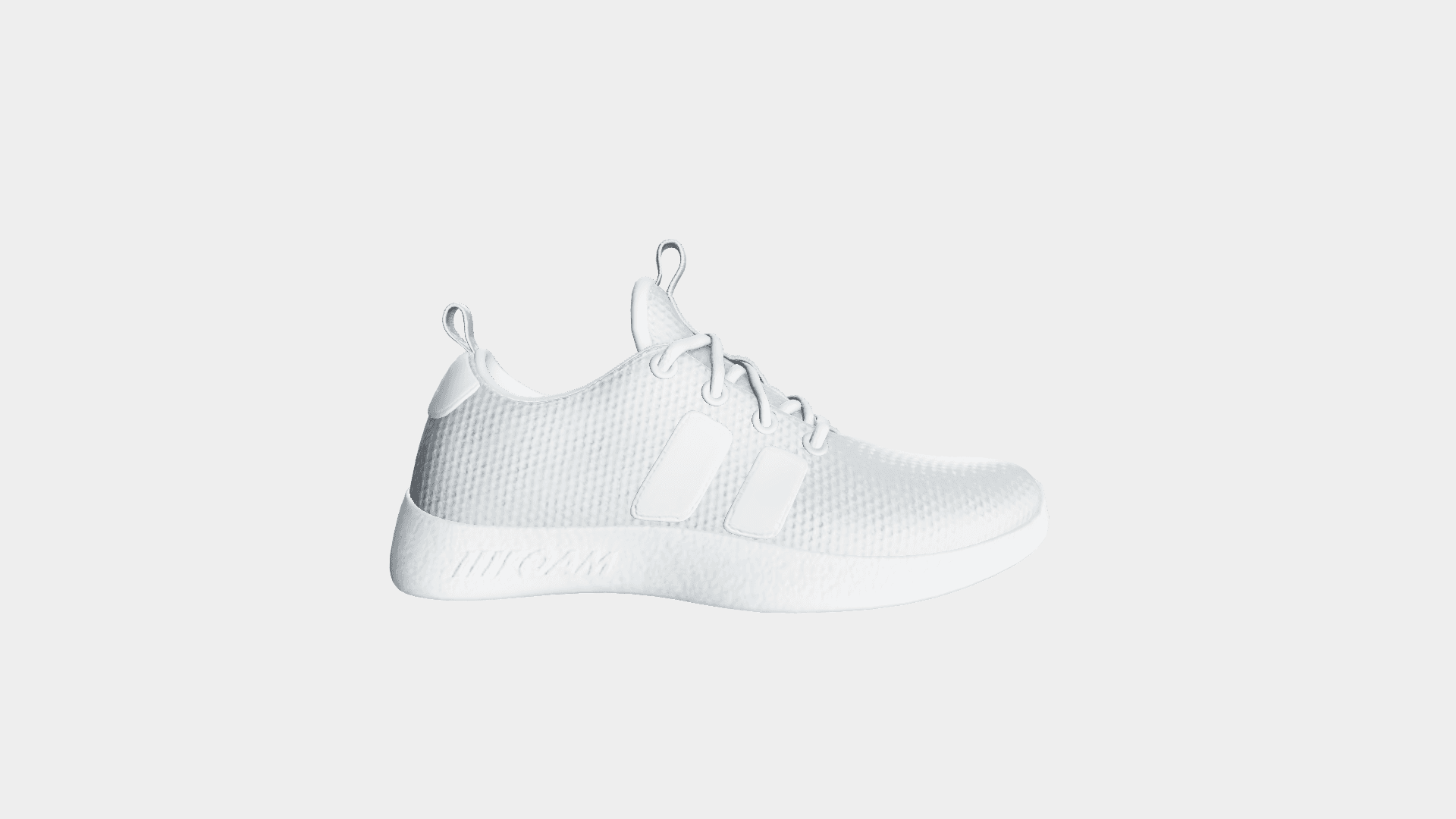
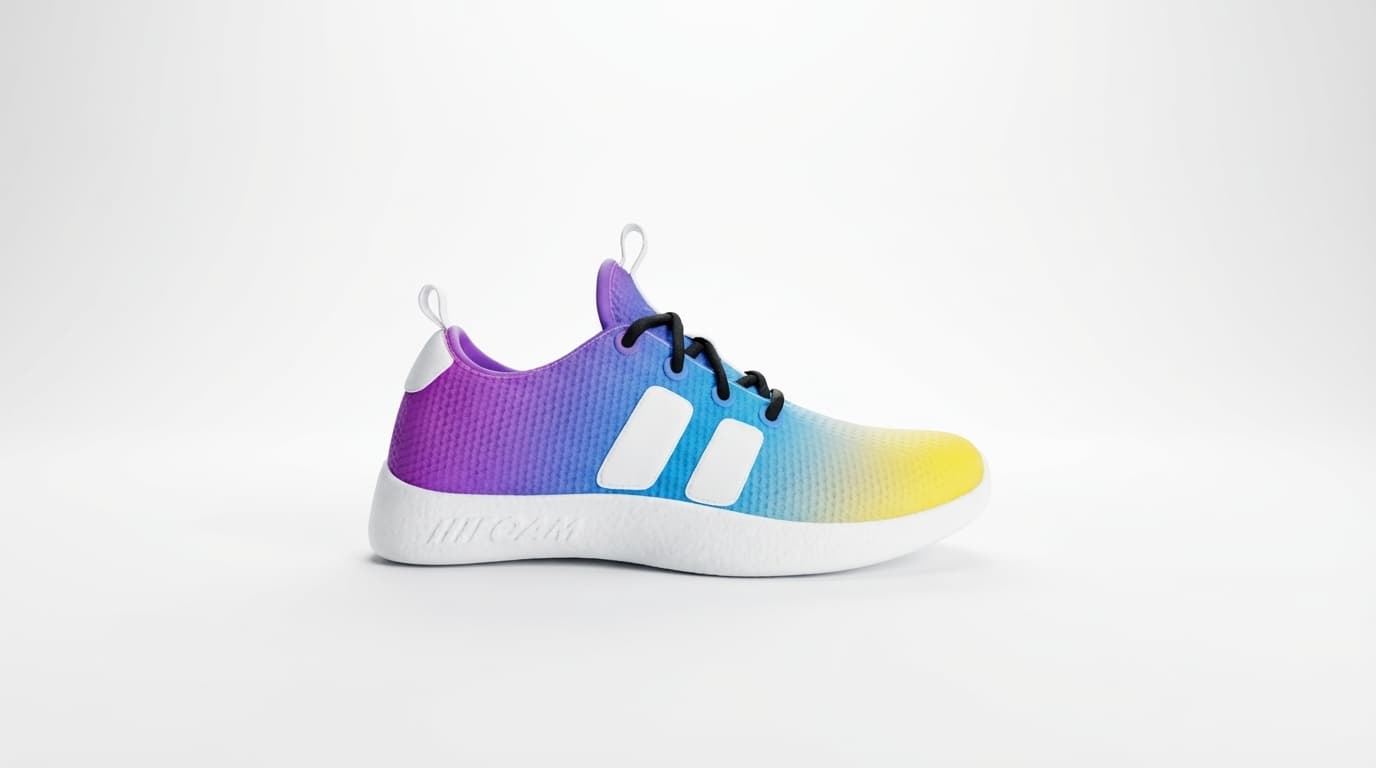
Vibrant Product Concepts
Bring your colorful product concepts to life with vivid rendering capabilities.
Atmospheric Environments
Create mood and atmosphere with advanced lighting and weather effects.
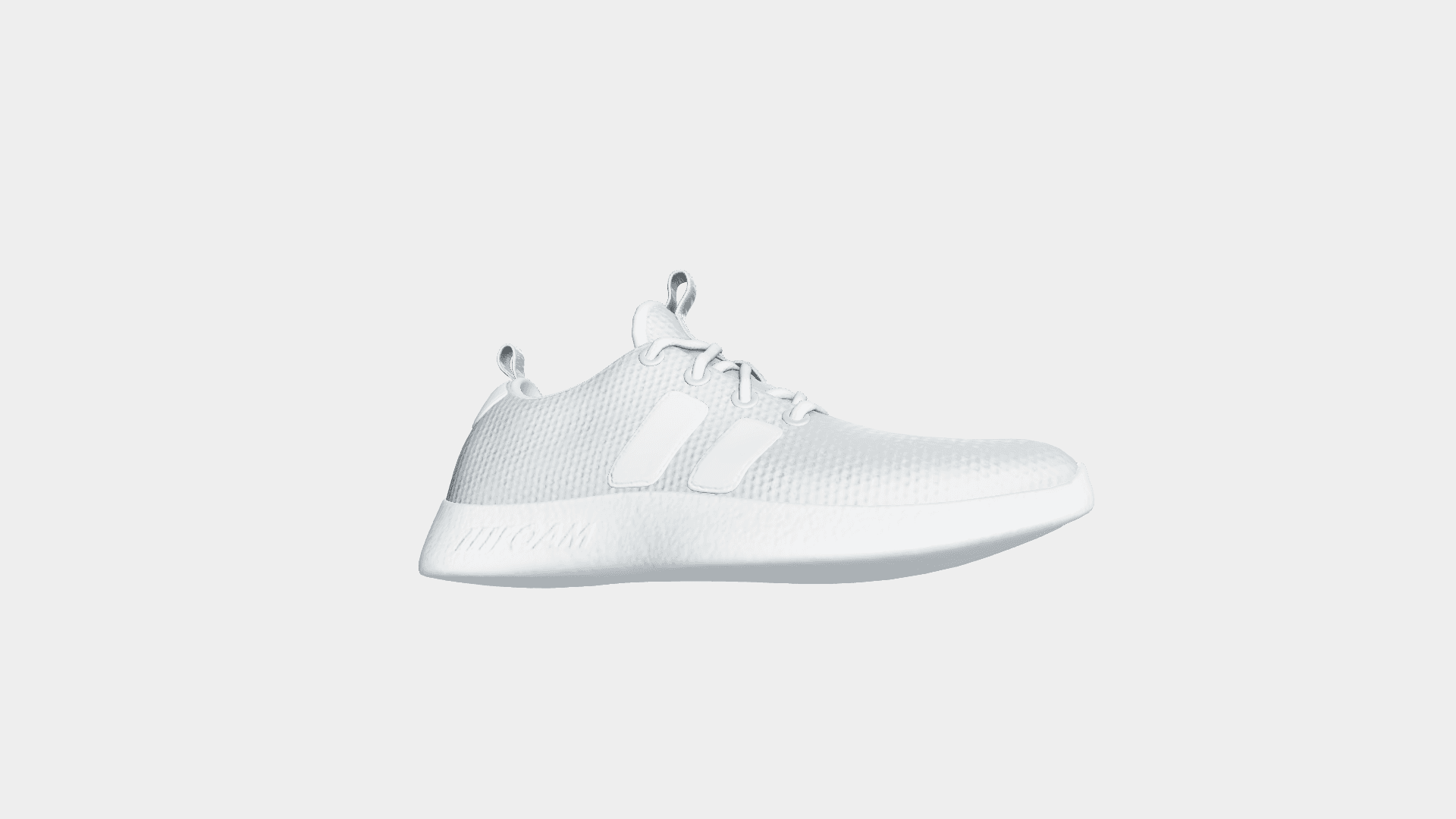
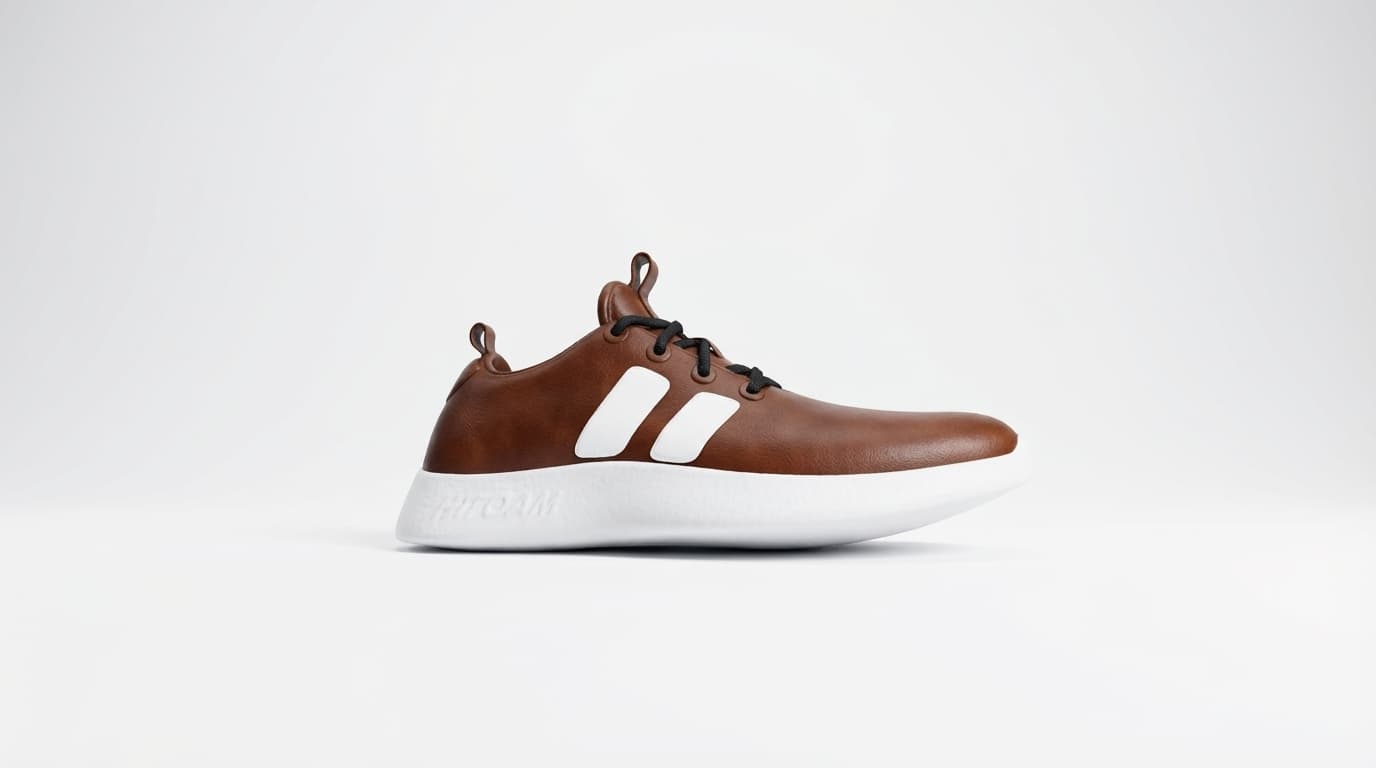
Detailed Textures
Highlight the intricate details of materials like leather and fabric.
Complex Scenes
Render large-scale urban scenes mixed with natural elements seamlessly.
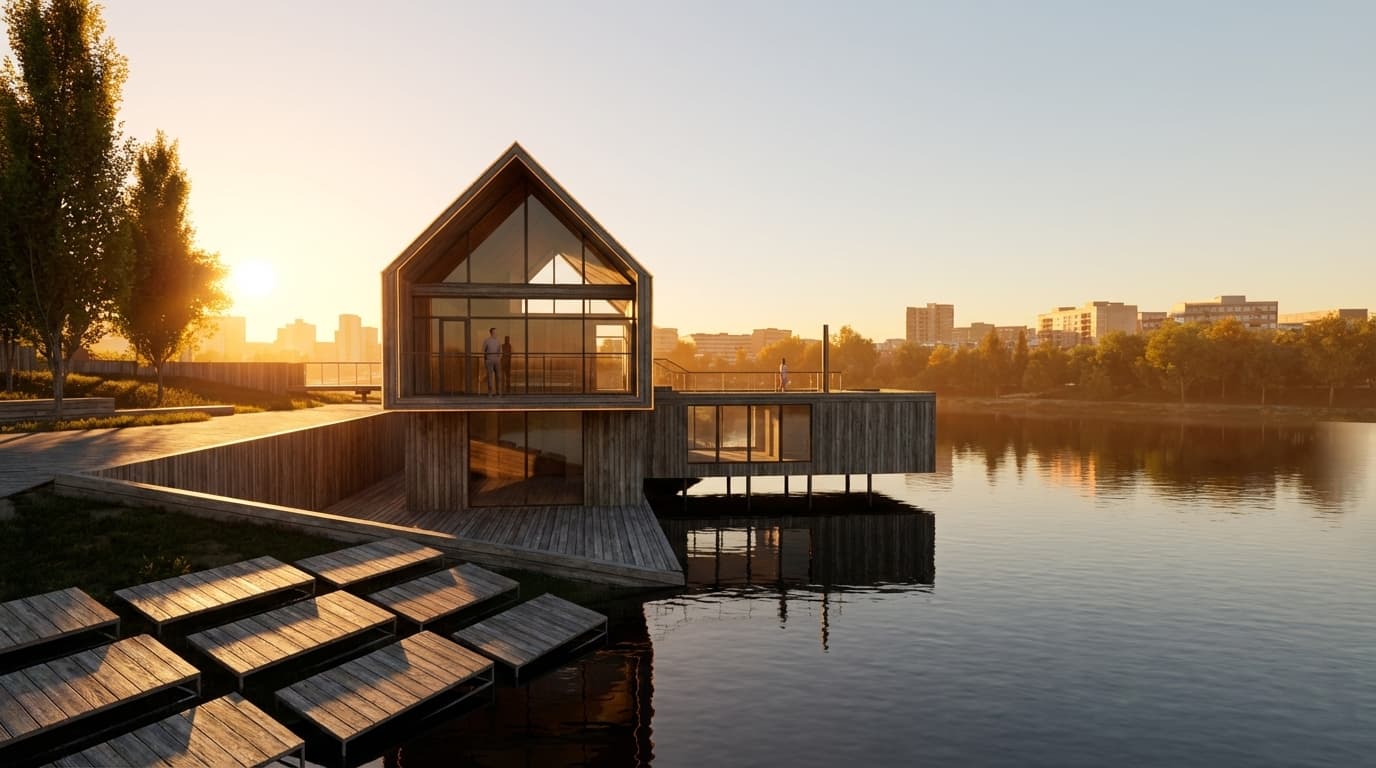
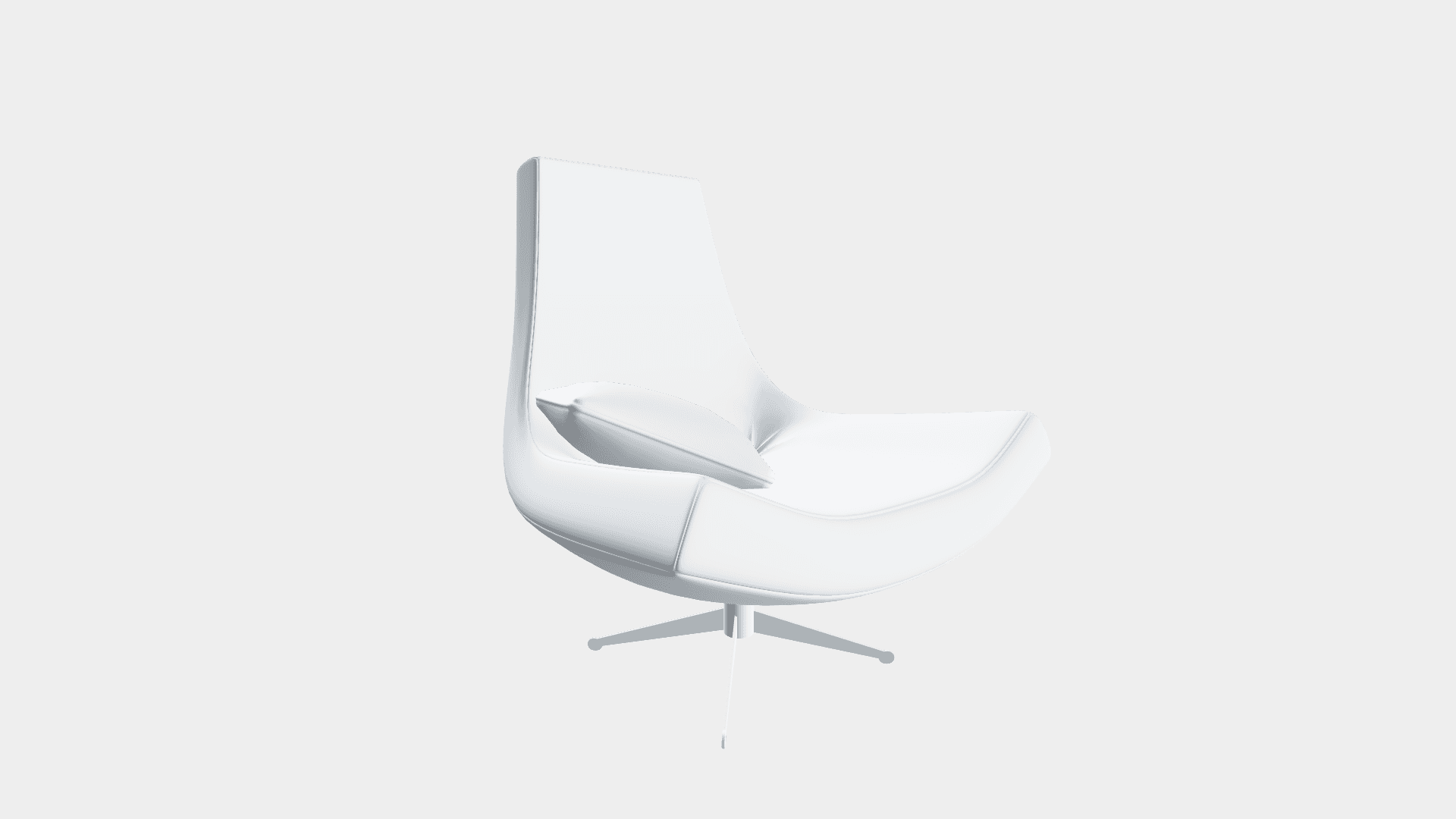
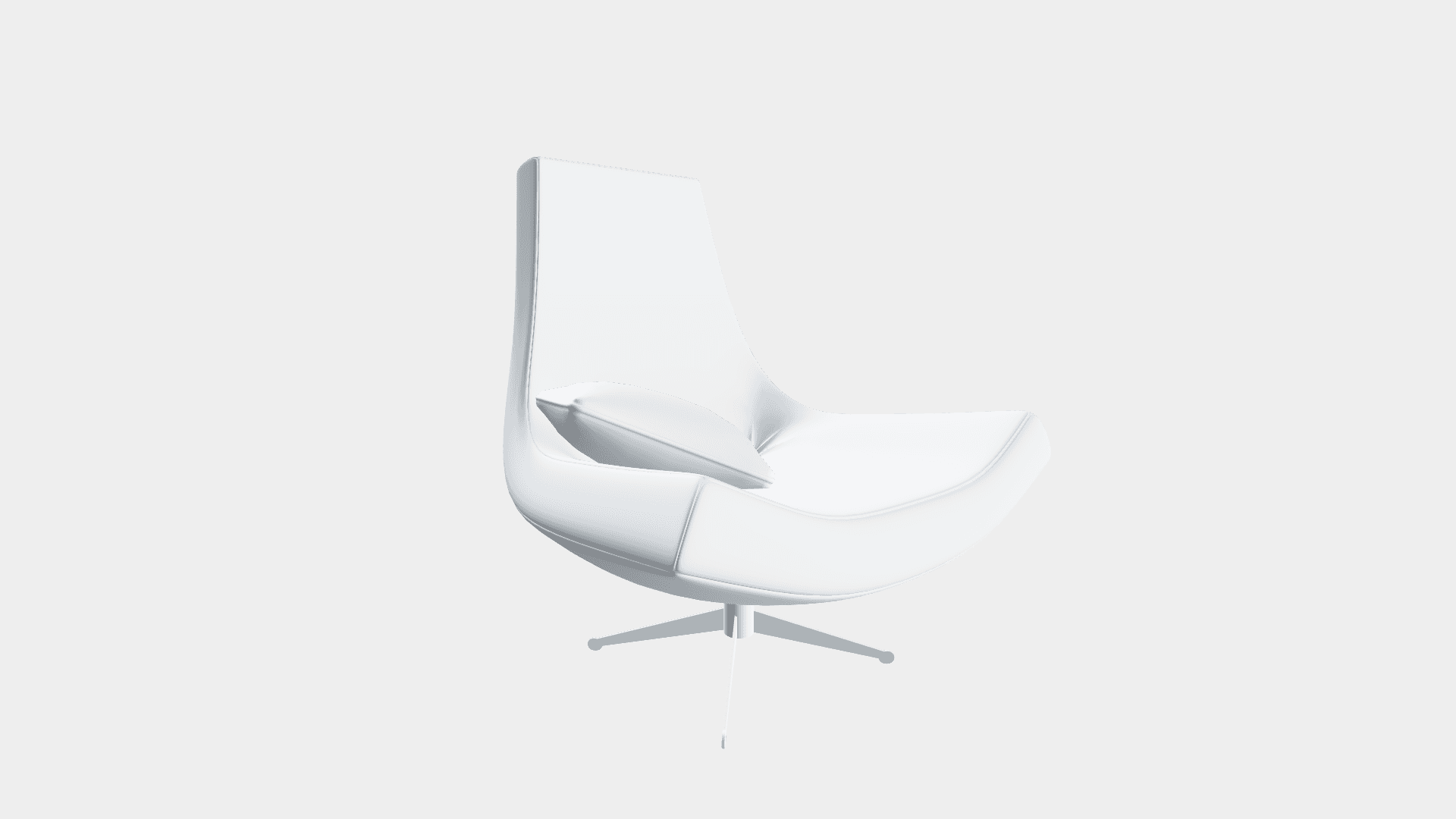
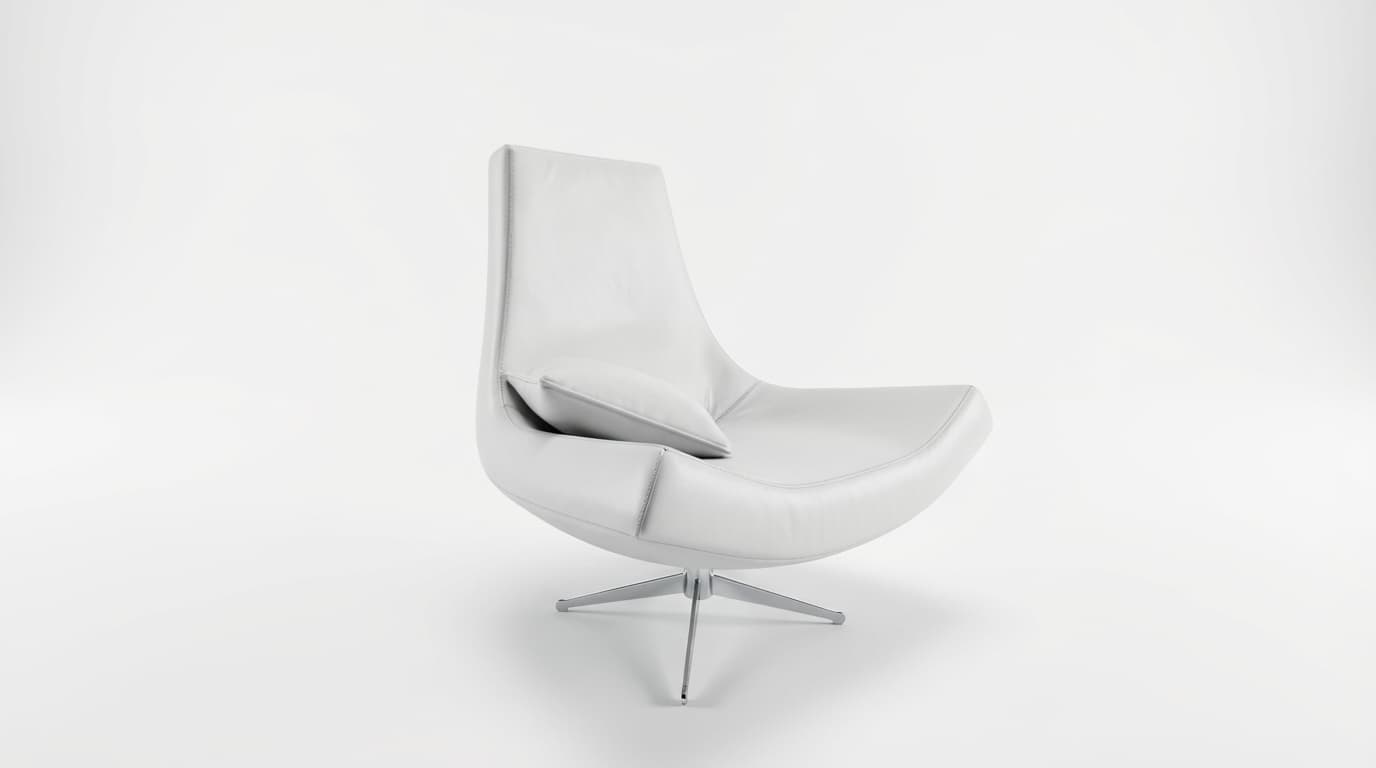
Studio Quality Furniture
Present furniture pieces in a high-end studio setting for catalogs and marketing.
Snow and Weather
Test your models in different weather conditions like snow and winter light.

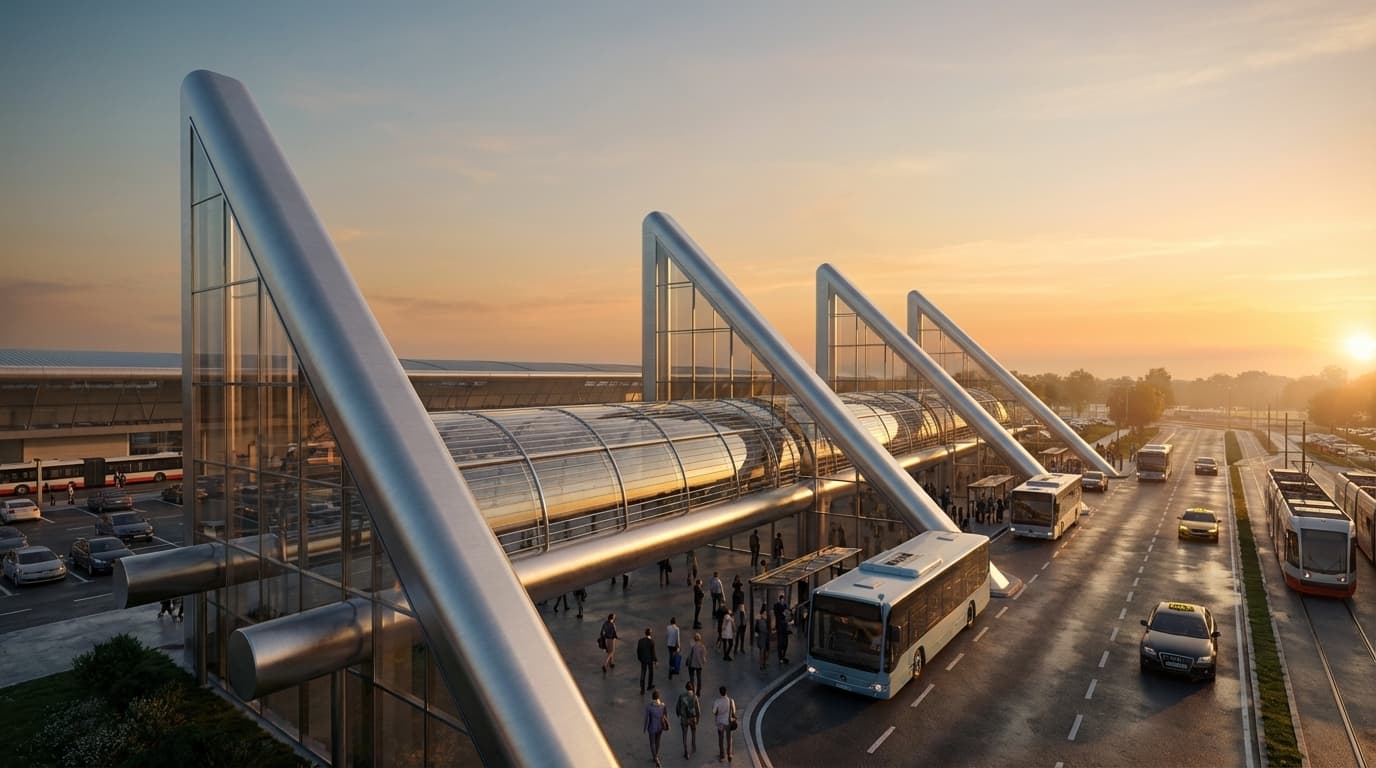
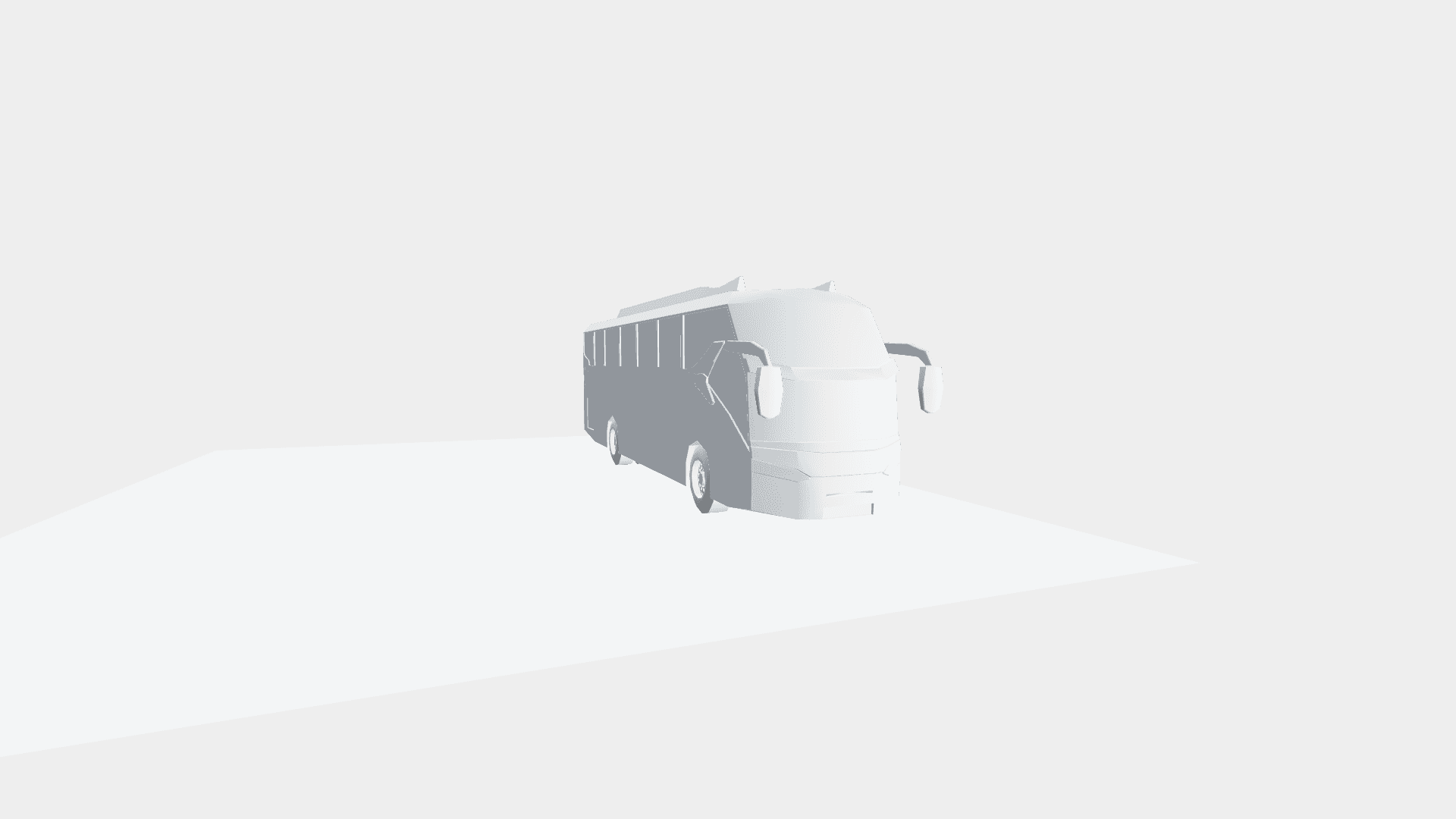
Public Transport Design
Visualize public transportation solutions in realistic contexts.

Engineered for privacy
This online 3D-model-to-PNG converter runs locally in your browser, at no cost. Your file won't get uploaded or saved on our servers; it stays on your device the entire time. No installation needed.
For AI rendering, we use a state-of-the-art GPU inference provider. Your model is transmitted securely, processed, and immediately discarded—never stored or used for training.
FAQ
Common questions about 3D rendering