
3D Model Viewer
Inspect your 3D models in detail. Explore the scene hierarchy, view node properties, and understand your model structure.
Supports 81 formats
Try one of these:














Preview 3D without expensive software
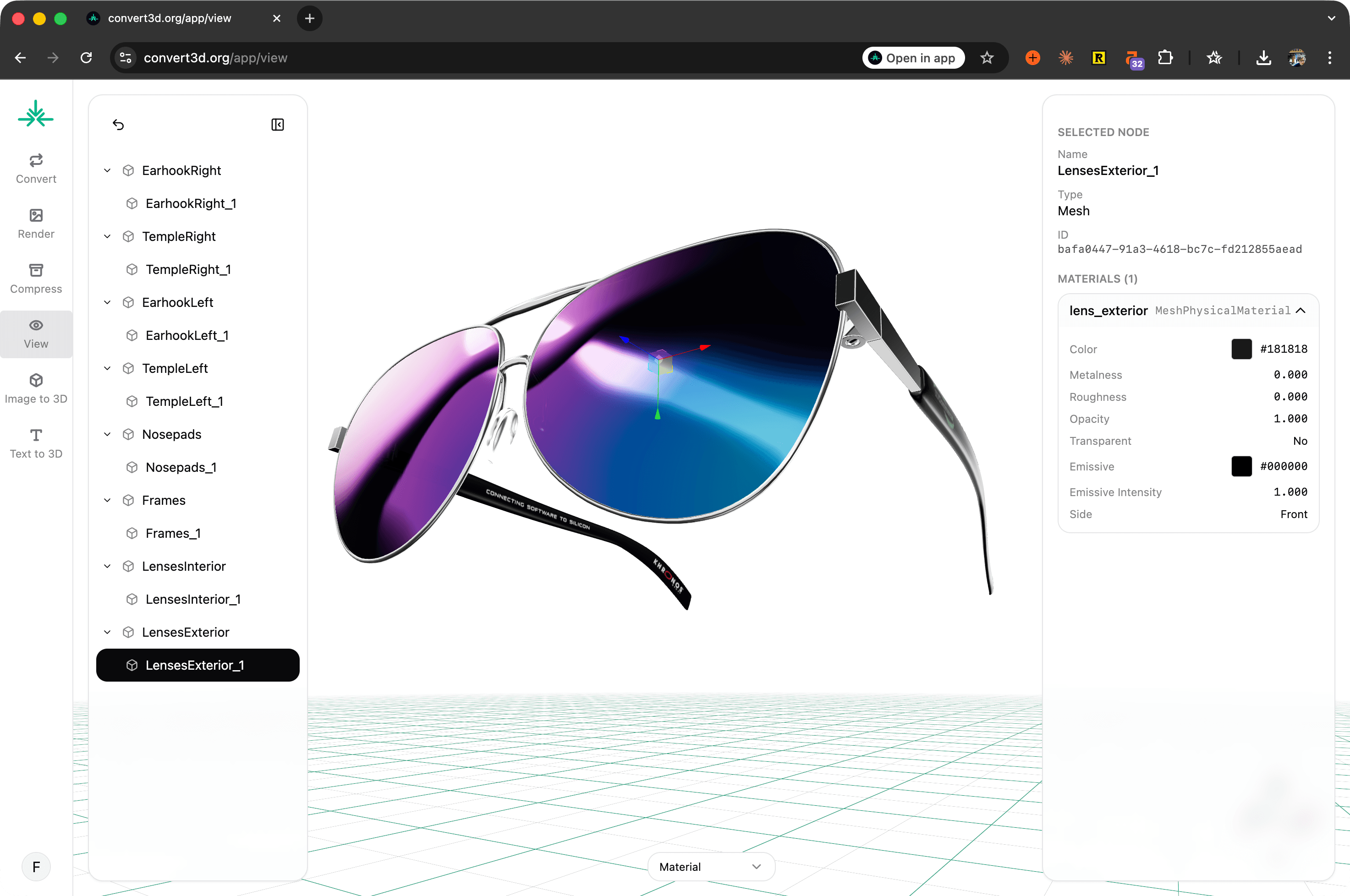
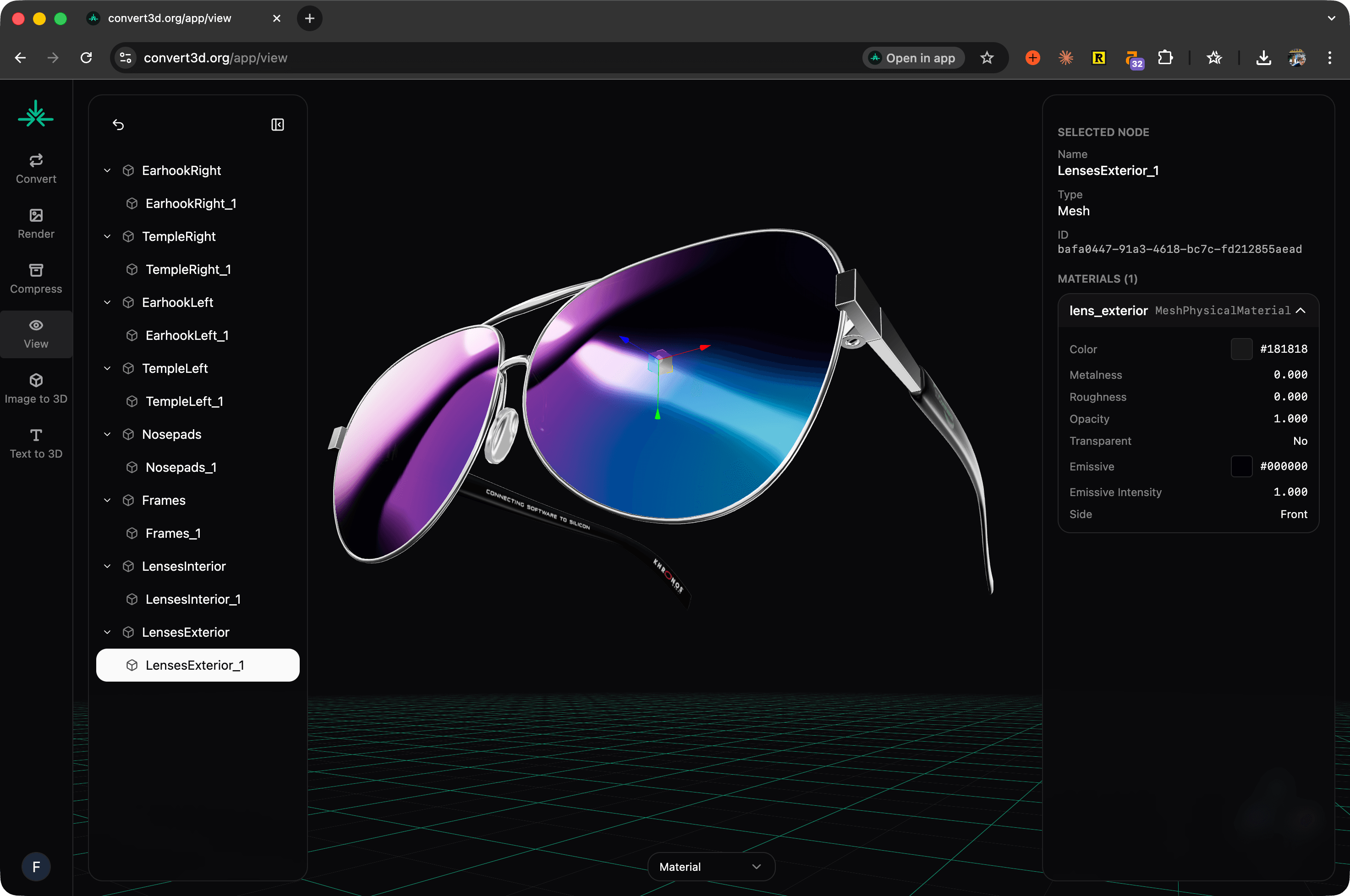
This 3D model viewer lets you upload a 3D file (such as STL, OBJ, STEP, and more) and explore it directly in your browser. You can rotate, zoom in, zoom out, and inspect your model from any angle. It's the easiest way to preview geometry, materials, and textures without installing heavy software like Blender. And, it's totally free.
How to view a 3D model online














Upload your model
Upload any of the 77 supported 3D file formats.


View & Navigate
Use your mouse or trackpad to rotate, zoom, and pan around the model.
Inspect Details
Click on a node to view all material, mesh, and texture properties. You can also switch between Material and Wireframe modes.
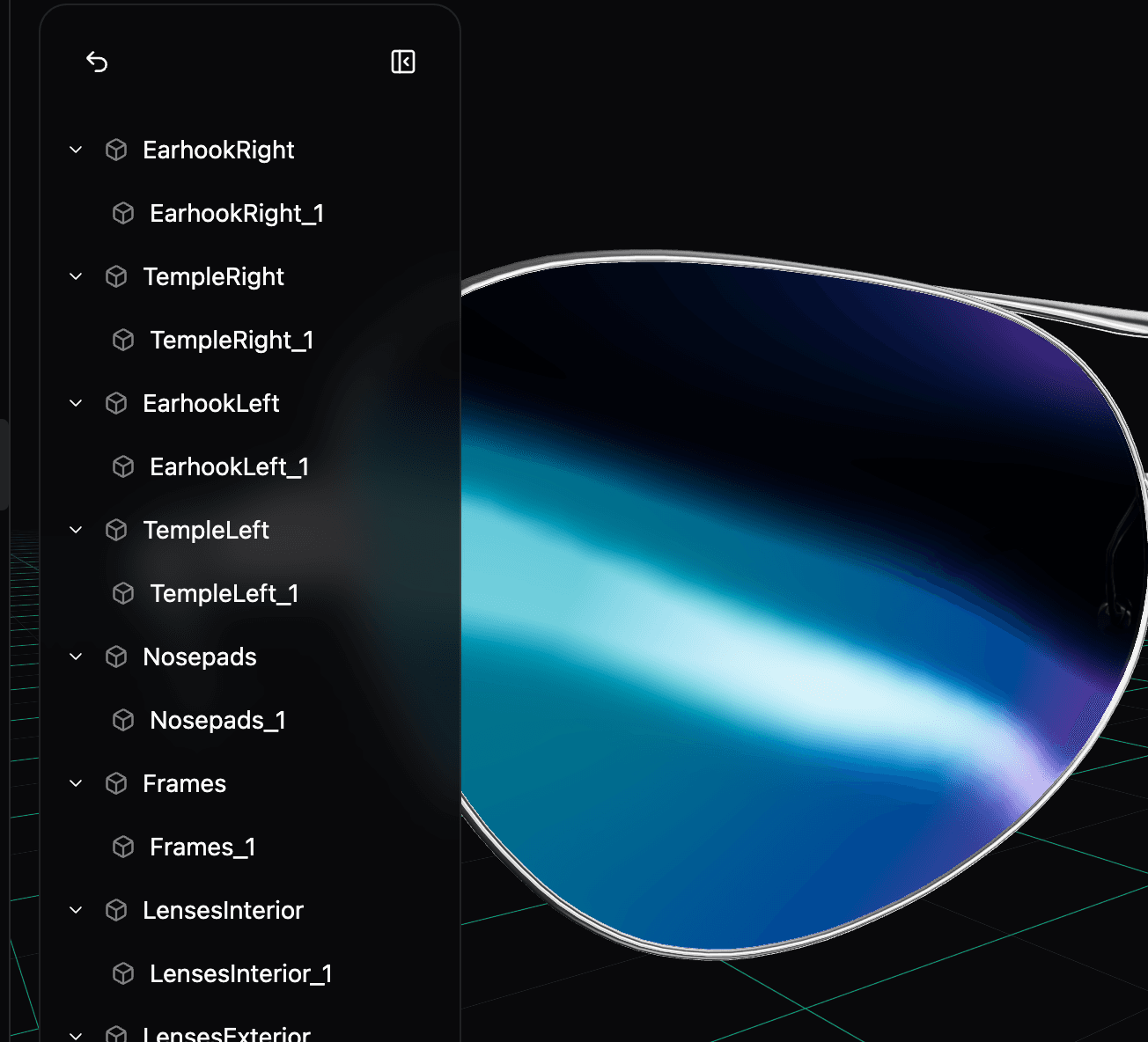
Inspect the full hierarchy
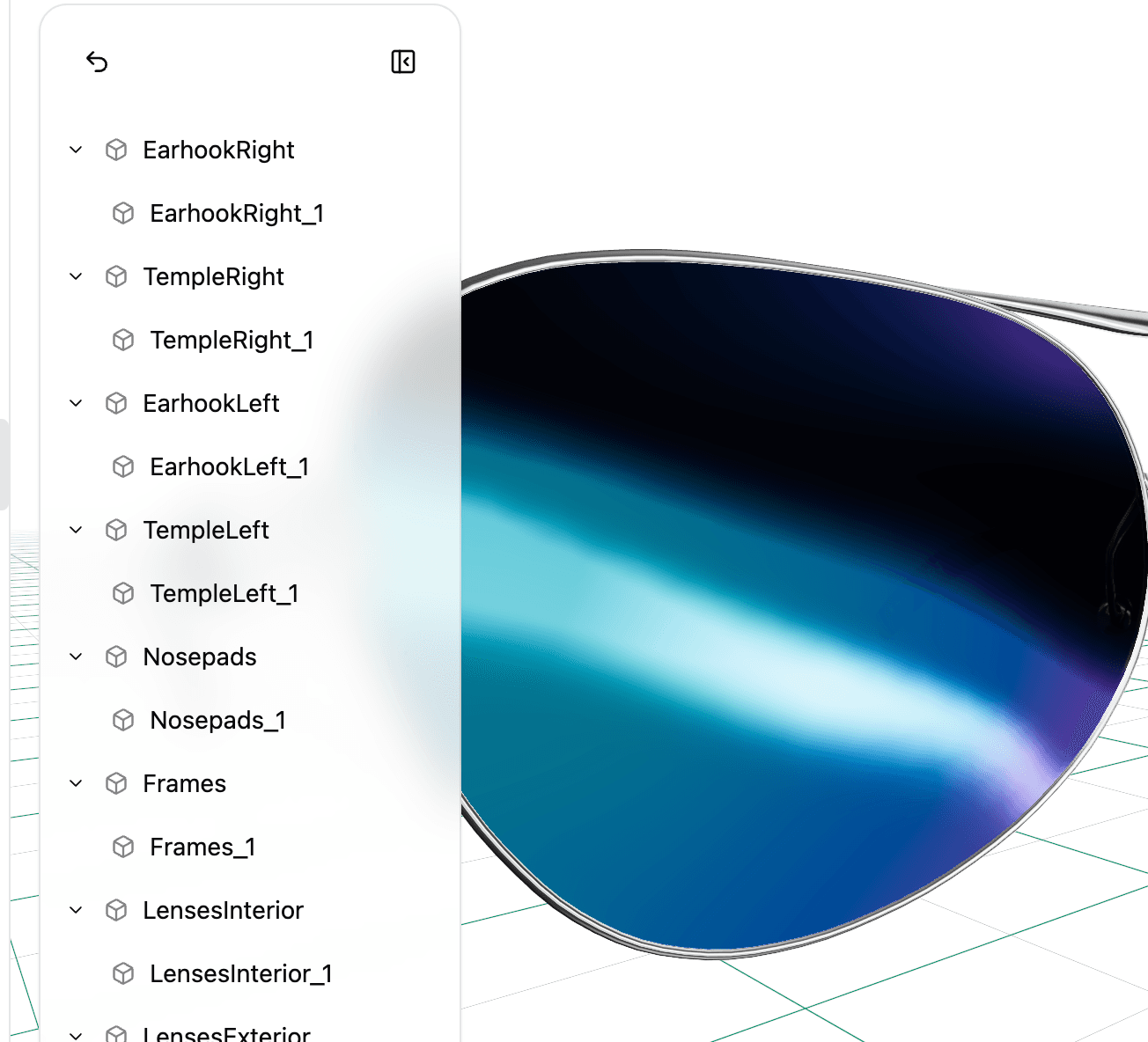
Once your file loads, expand the hierarchy panel to see how your model is structured. You can browse nodes, object names, nested groups, and mesh components. Doing so makes it easy to understand how the model was built. It’s great, especially for complex files or assets you’ll be using with engines or rendering tools.
View detailed material and mesh properties
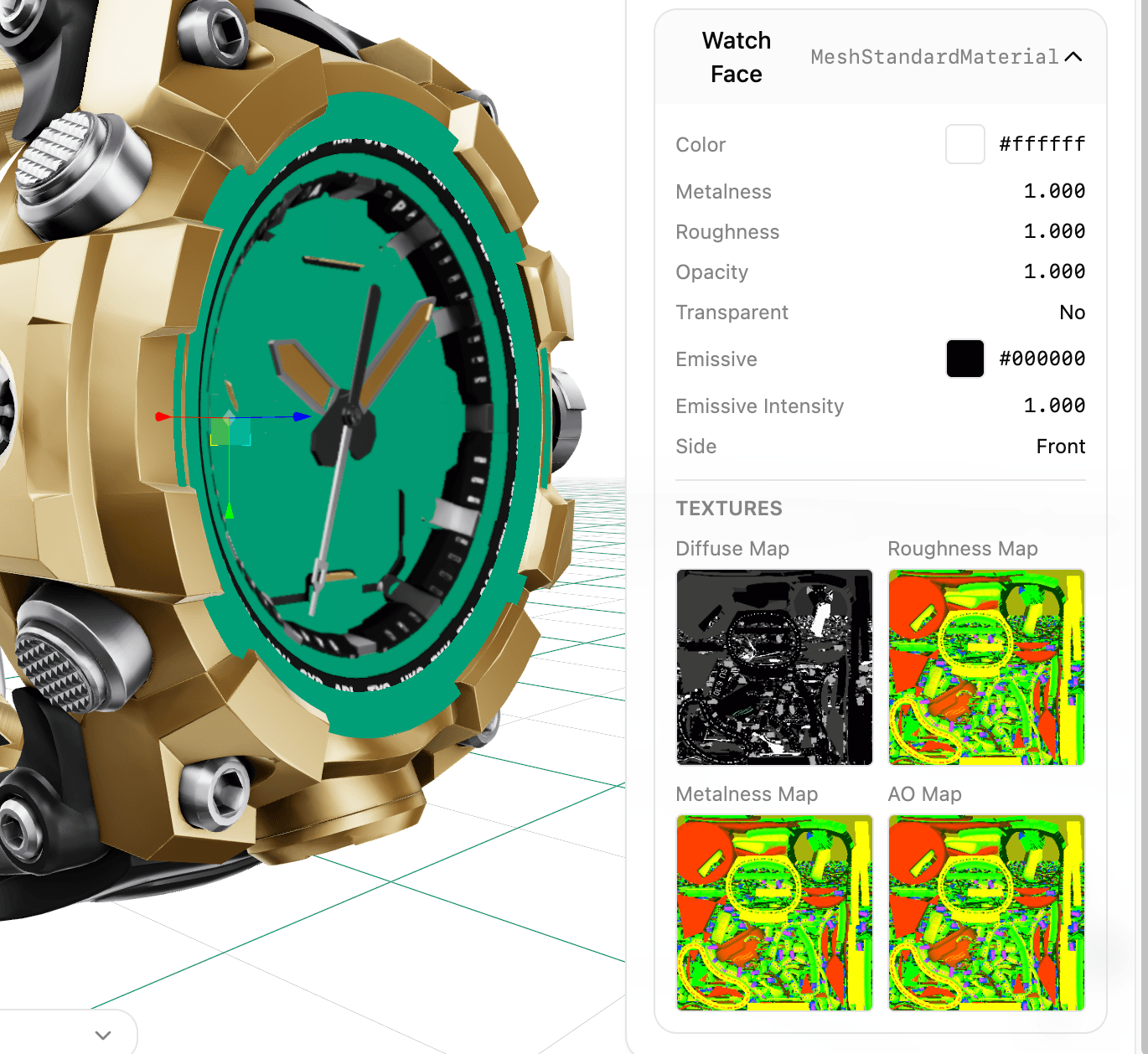
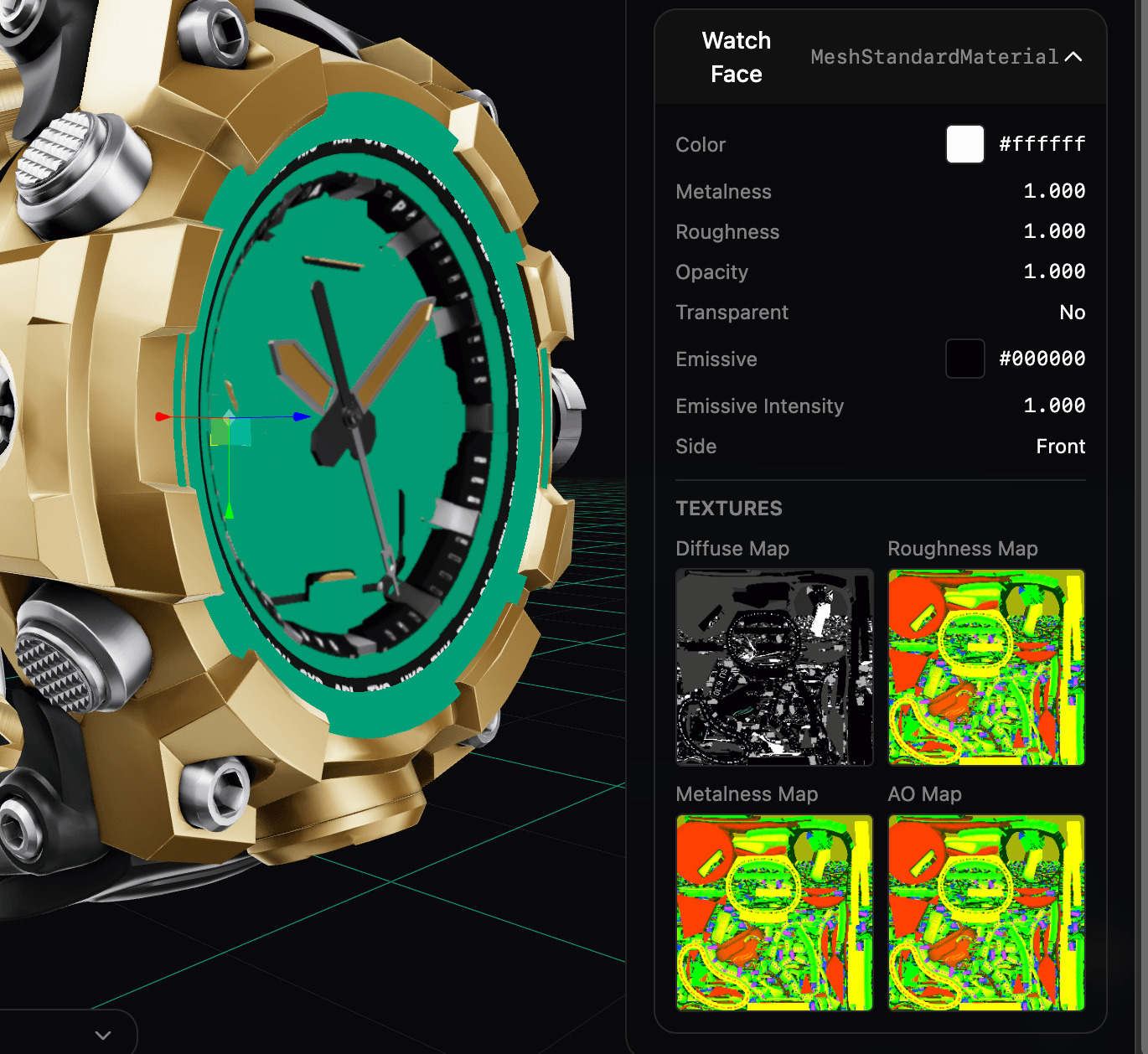
Clicking on any node reveals a full breakdown of its properties. You can inspect the material type, colors, metalness, roughness, mesh type, and so on. This gives you a full understanding of how each part of the model was constructed.
Zoom, rotate, and explore
Use simple mouse controls to move around the model. Scroll to zoom, click-and-drag to rotate, and pan across the scene to inspect fine details, surface quality, and texture alignment. It’s fast, responsive, and designed for precise inspection.
Engineered for privacy
The best security is avoiding risk entirely. Enough with the fishy servers.
FAQ
Common questions about viewing 3D models