
Convert JPG to STL
Turn a JPG or JPEG photo into a relief or lithophane. Choose the size and depth, preview the surface, then download STL.

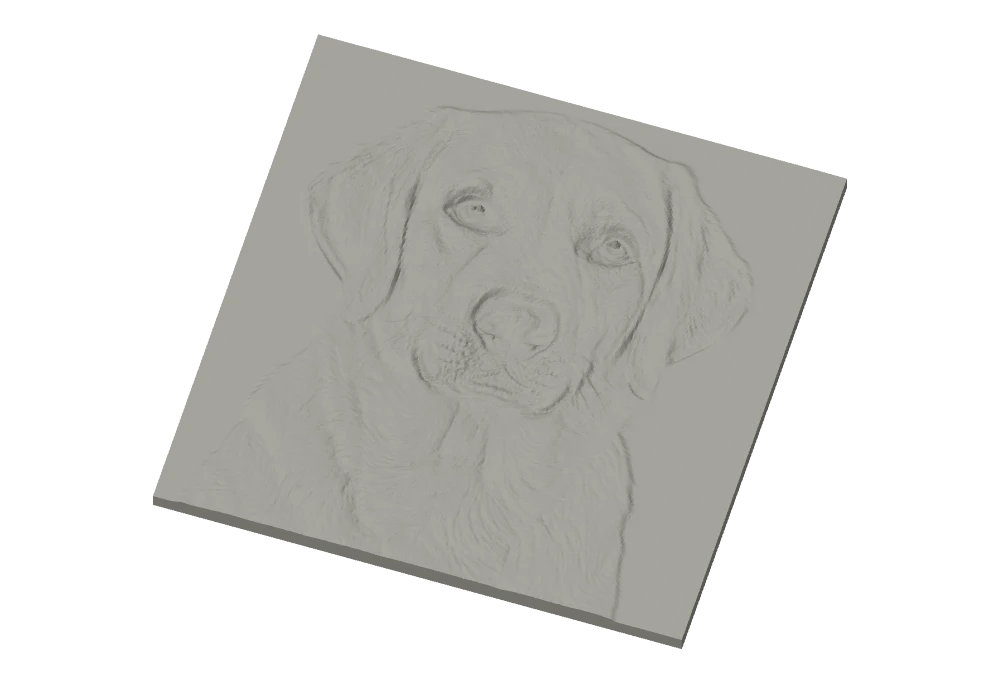
Photo relief
Turn a photo into a raised picture you can print.
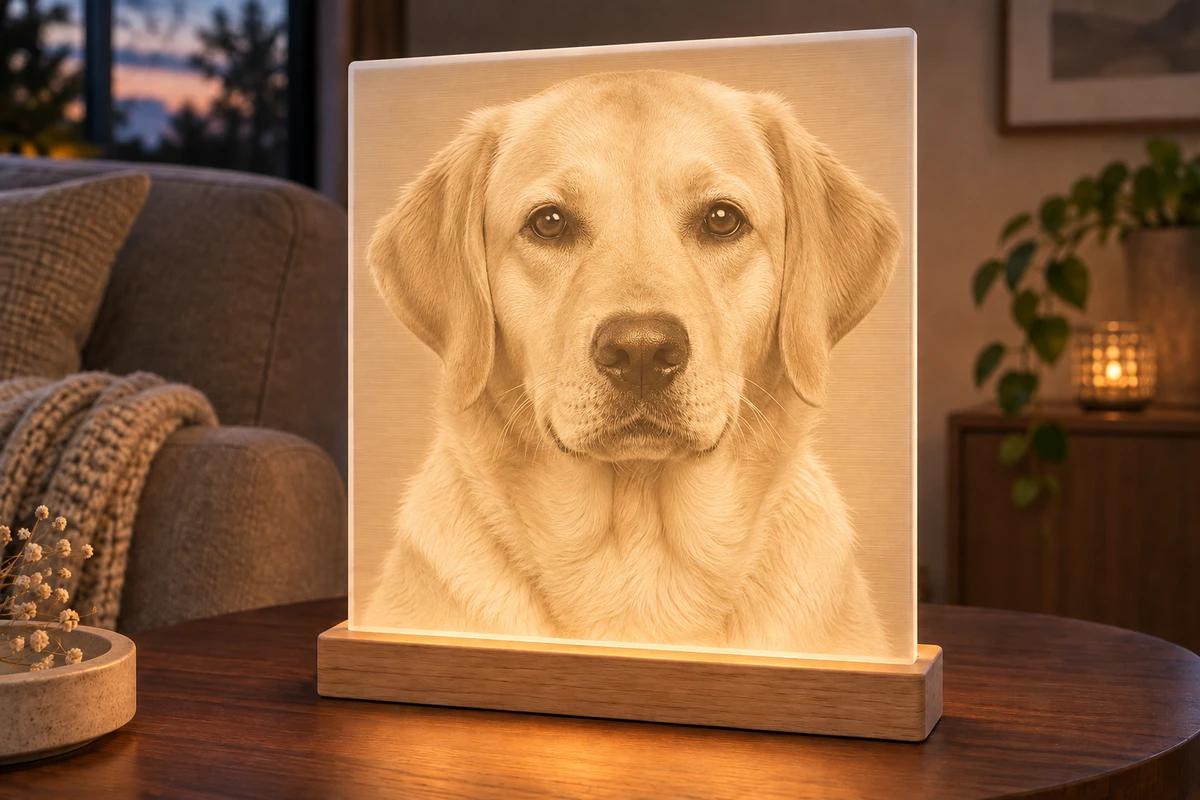
Lithophane
Make a photo that appears when light shines through it.
- Ready-made presets
- Extrude shapes
- Keep your colors
- Create heightmaps
- Make lithophanes
- Make cookie cutters
- Set exact dimensions
- Remove backgrounds
- Add a base
- Add a keyring loop
- Add a frame
- Fine-tune depth
- Mirror and invert
- Clean up outlines
- Smooth the surface
- Choose the detail
- Preview as you edit
- Choose your format
How to convert JPG to STL
1
Choose a photo
Open a JPG or JPEG with a clear subject and even lighting.
2
Adjust the model
Choose Photo relief or Lithophane. Set the size and thickness.
3
Download
Check the preview and download the model. Prepare the print in your slicer.