
Convert SVG to STL
Turn a logo or silhouette into an STL model. Set the size and thickness, preview the shape, then download.

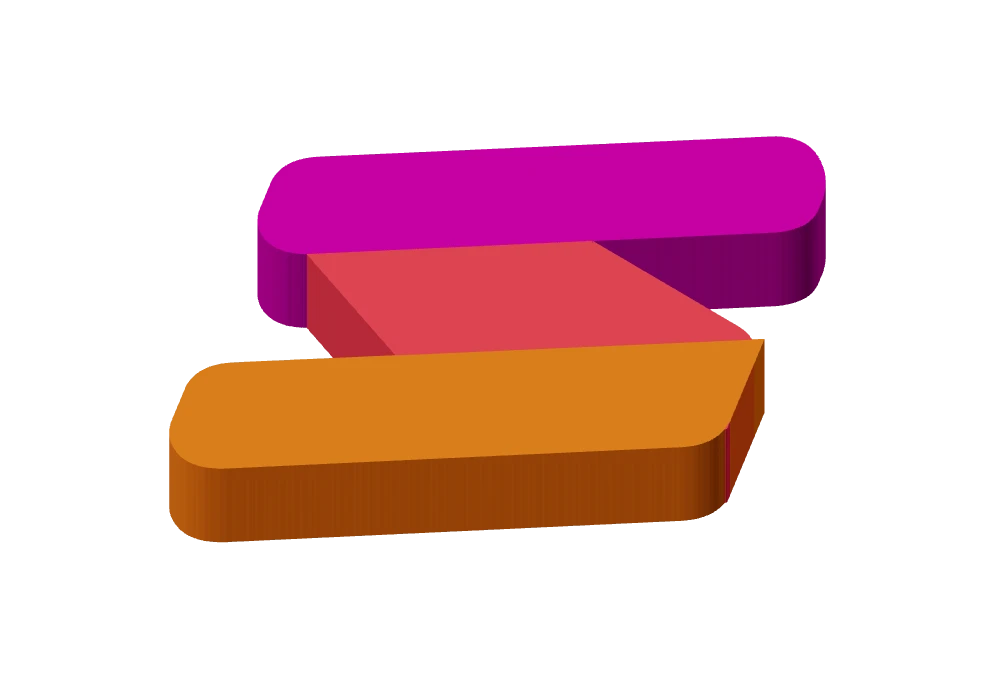
Color logos
Give colored artwork depth. Export as 3MF to keep the colors; STL saves the shape.
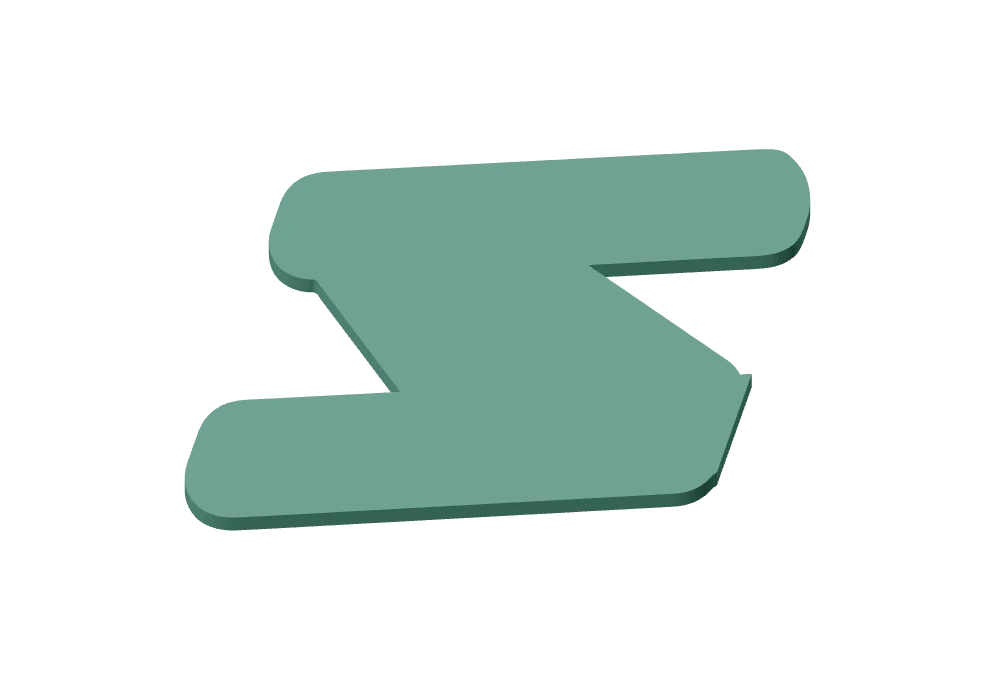
Raised logo
Turn a flat logo into a 3D-printable shape.
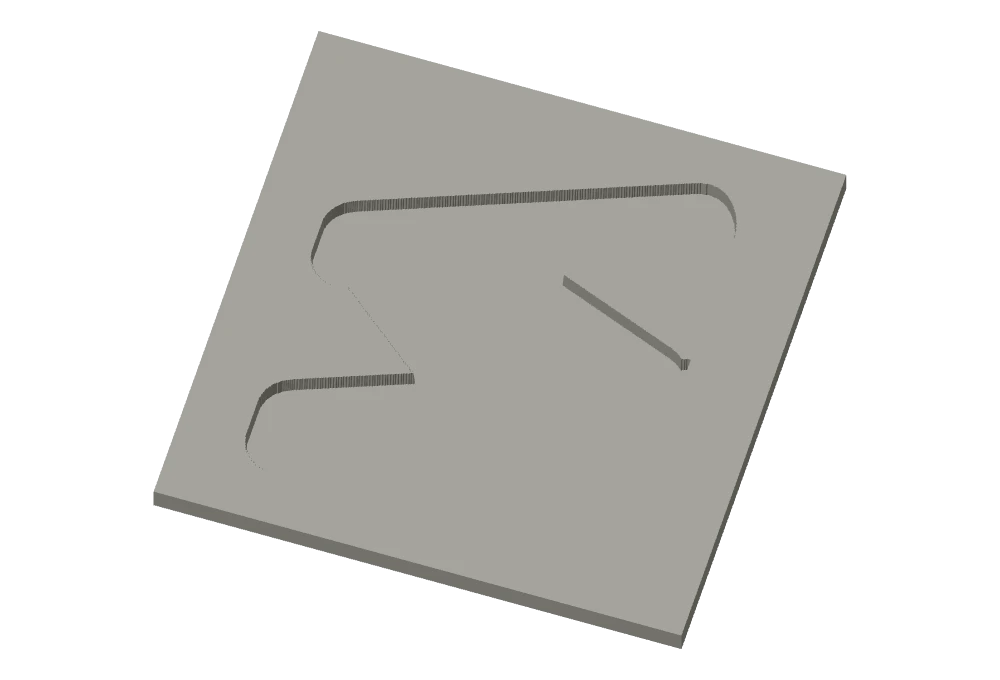
Recessed patterns
Cut a pattern into a surface instead of raising it.
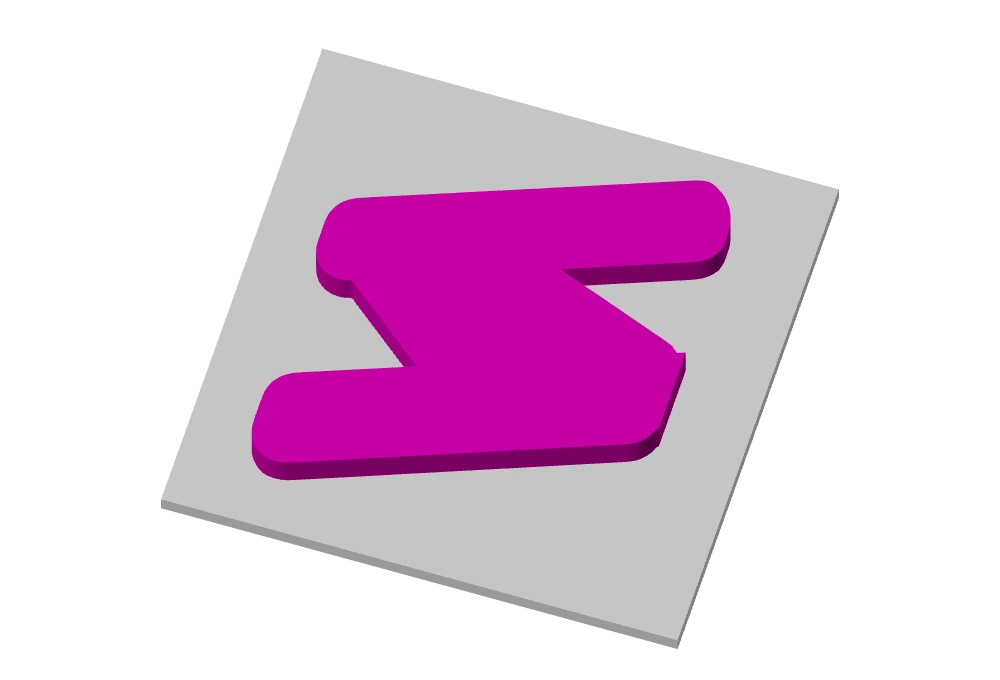
Rectangular base
Add a solid base to support the design and connect separate pieces.
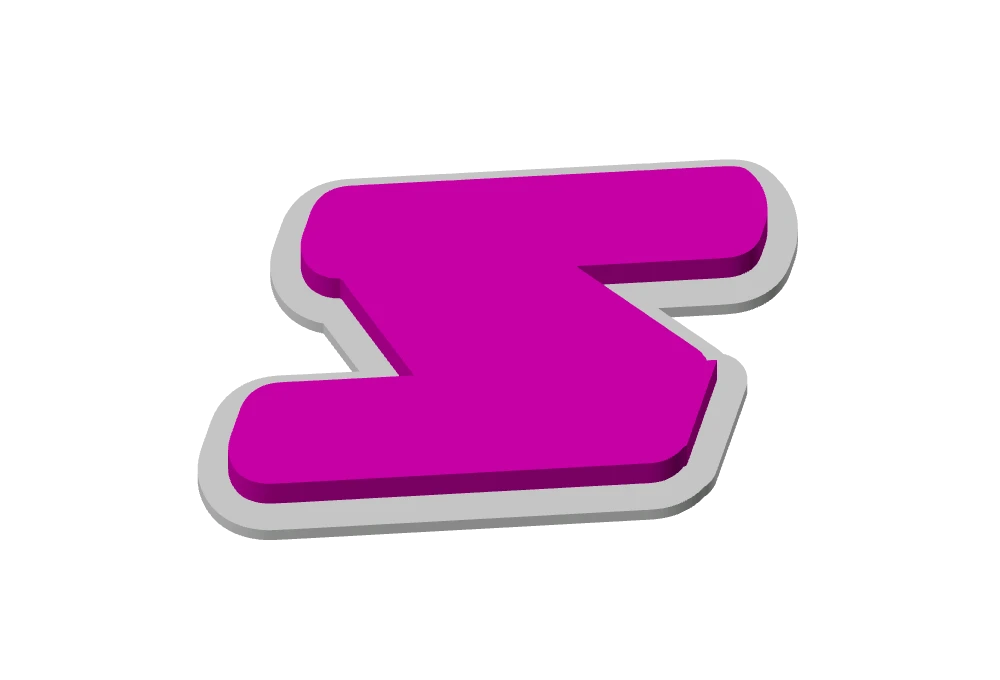
Outline base
Add a base that follows the shape of the logo.
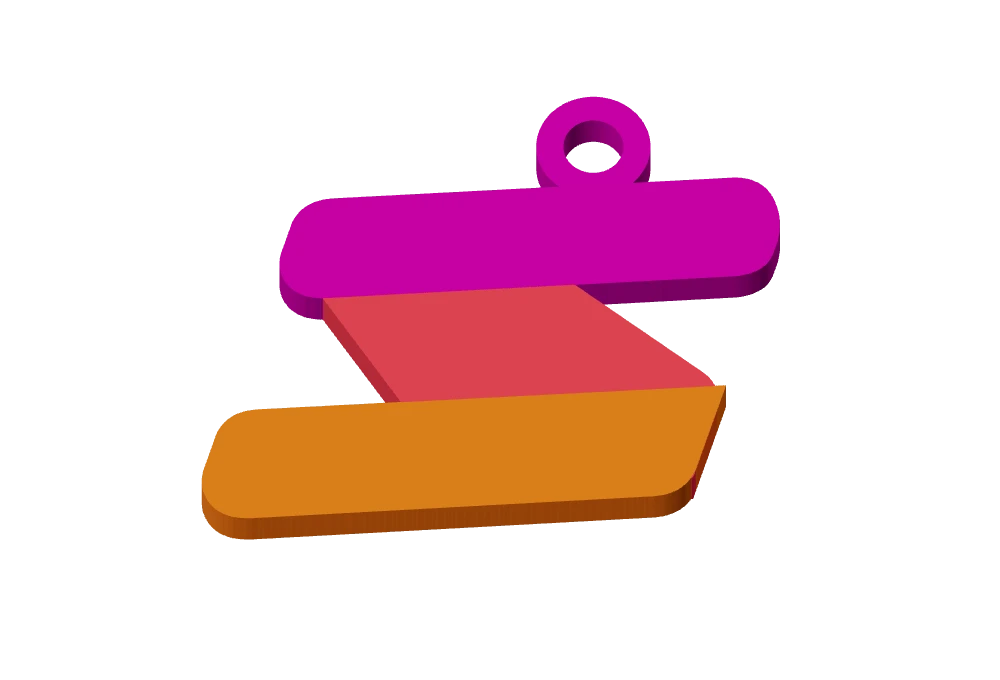
Keyrings
Turn a logo into a keyring, complete with a loop.
- Ready-made presets
- Extrude shapes
- Keep your colors
- Create heightmaps
- Make lithophanes
- Make cookie cutters
- Set exact dimensions
- Remove backgrounds
- Add a base
- Add a keyring loop
- Add a frame
- Fine-tune depth
- Mirror and invert
- Clean up outlines
- Smooth the surface
- Choose the detail
- Preview as you edit
- Choose your format
How to convert SVG to STL
1
Choose an SVG
Open a logo or design and choose Raised logo.
2
Adjust the model
Set the size and thickness. Add a base to connect separate letters and shapes.
3
Download
Check the edges and download the model. Confirm its size in your slicer.