
DXF and DWG export
Jens Fursund, May 7, 2026Convert3D now exports Autodesk 2D and 3D CAD files.
The model looks fine in 3D. Then someone asks for a CAD file.
Convert3D now has two export paths: a CAD-precision route for engineering sources - and a mesh route for general 3D models. That means STEP and SolidWorks-style data can keep more curve and surface intent, while STL, OBJ, and GLB can still become useful DXF or DWG geometry.
How to use this right now
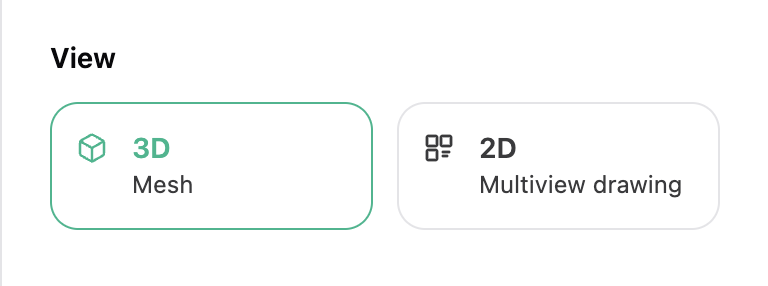
Choose DXF or DWG as the output format, then pick 2D or 3D.